
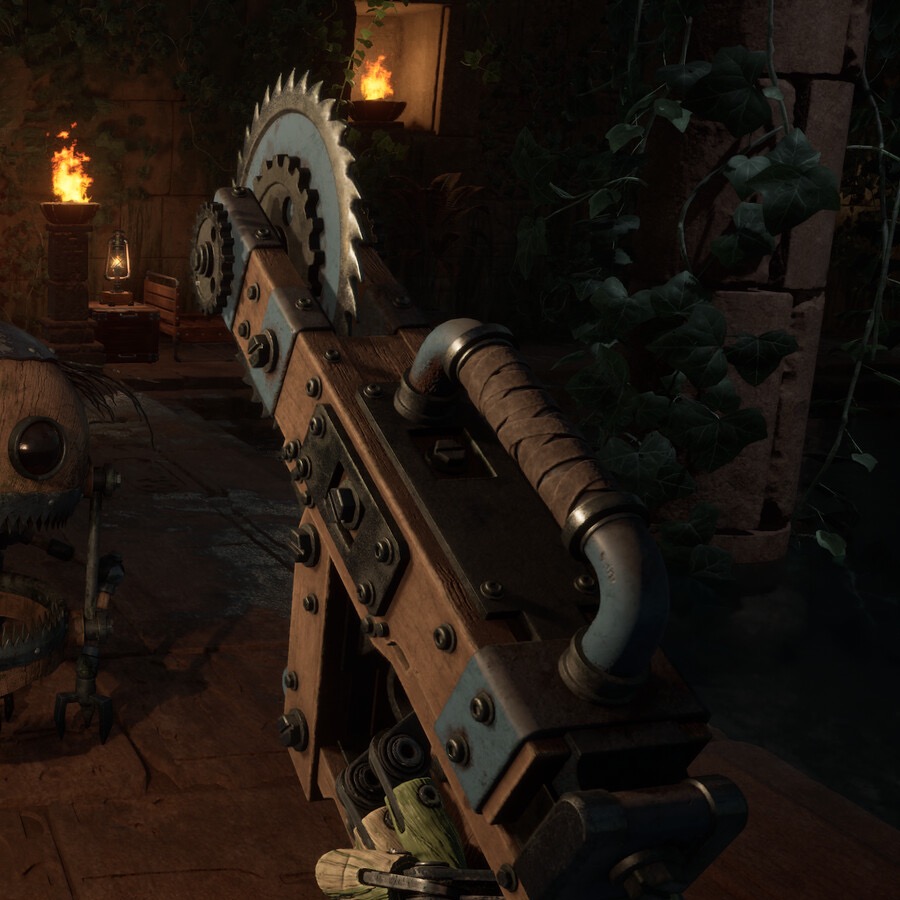
Do not install a “trainer,” cracked executable, or unknown mod loader just to change player count, unlock items, or bypass progression. These files can compromise a Steam account or save data, and the guide will never link to them.
What Is Officially Known
The official Steam listing is the source of truth for platform support and game features. If the developers announce a supported workshop, SDK, or mod policy, it should appear in a dated first-party post. Until then, the correct status is unconfirmed, not “supported” and not “safe.”
Looking for More Players?
Use the game's current lobby options and official community tools rather than an unverified player-cap mod. If a future update changes lobby limits, it belongs in the Roadmap & Patch Notes page only after the change is documented by the developer.
Before You Install Anything
- Find a dated first-party announcement describing support and compatibility.
- Back up local saves before a game update or any experiment.
- Do not enter Steam credentials into third-party launchers or download mirrors.
- Never use a tool in multiplayer unless the developer and every affected player permit it.
Safer Ways to Get Help
For difficulty, progression, or co-op questions, use the existing player-count guide, beginner guide, and official support channels. A real gameplay problem is better solved with a reproducible bug report than a random executable from a search result.
Frequently Asked Questions
Does GRAIN ROT support mods?
This guide has not found a first-party announcement confirming official mod support. Treat third-party claims as unverified until the developer publishes a dated policy or support channel.
Is there a GRAIN ROT trainer?
This guide does not link to trainers or unknown executables. They can compromise save data or account security and are not evidence of developer support.
Can a mod add more GRAIN ROT players?
Do not rely on an unverified player-cap mod. Use the game's official lobby options until a dated first-party update confirms a supported change.